
ON THIS PAGETable of Contents 18 main sections
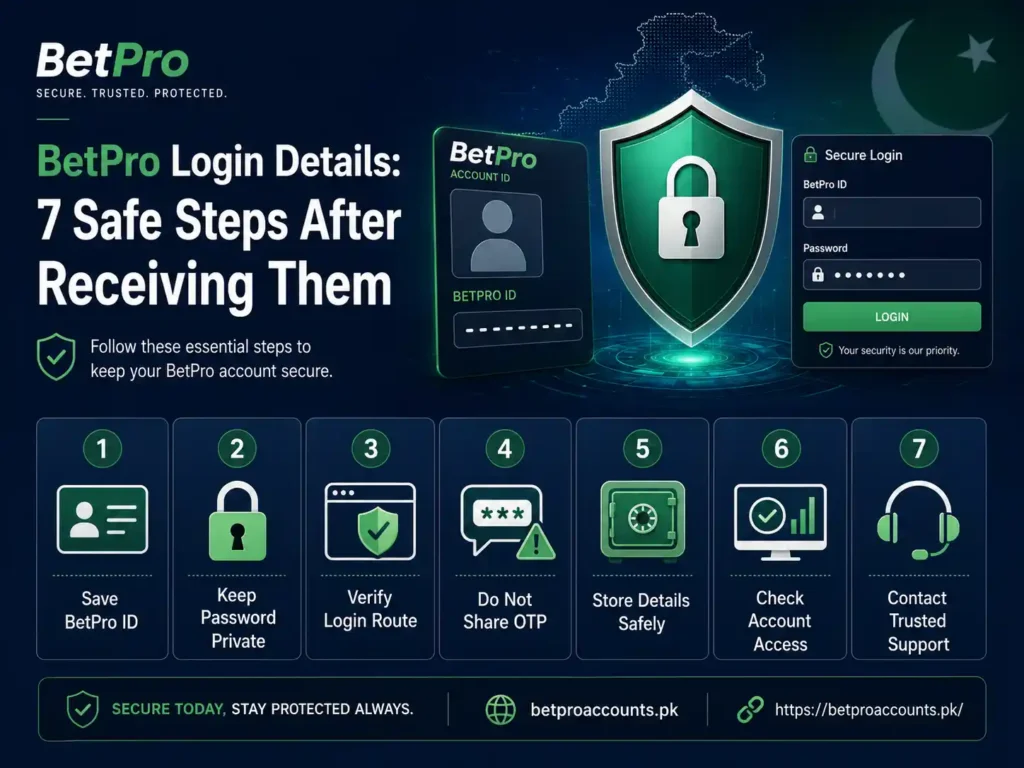
What to Do After Receiving BetPro Login Details: 7 Safe First Steps
After you receive your BetPro ID and password, keep both details private and check that they came through the expected support route. Then store them safely, use the correct login platform, review your account details, and protect your password. Do not share your password, OTP, payment PIN, or banking secrets with anyone.
Getting your login details means your account setup has reached an important stage.
But do not rush.
A few simple checks can protect your account from mistakes, fake support messages, and lost credentials.
This guide explains what to do first.
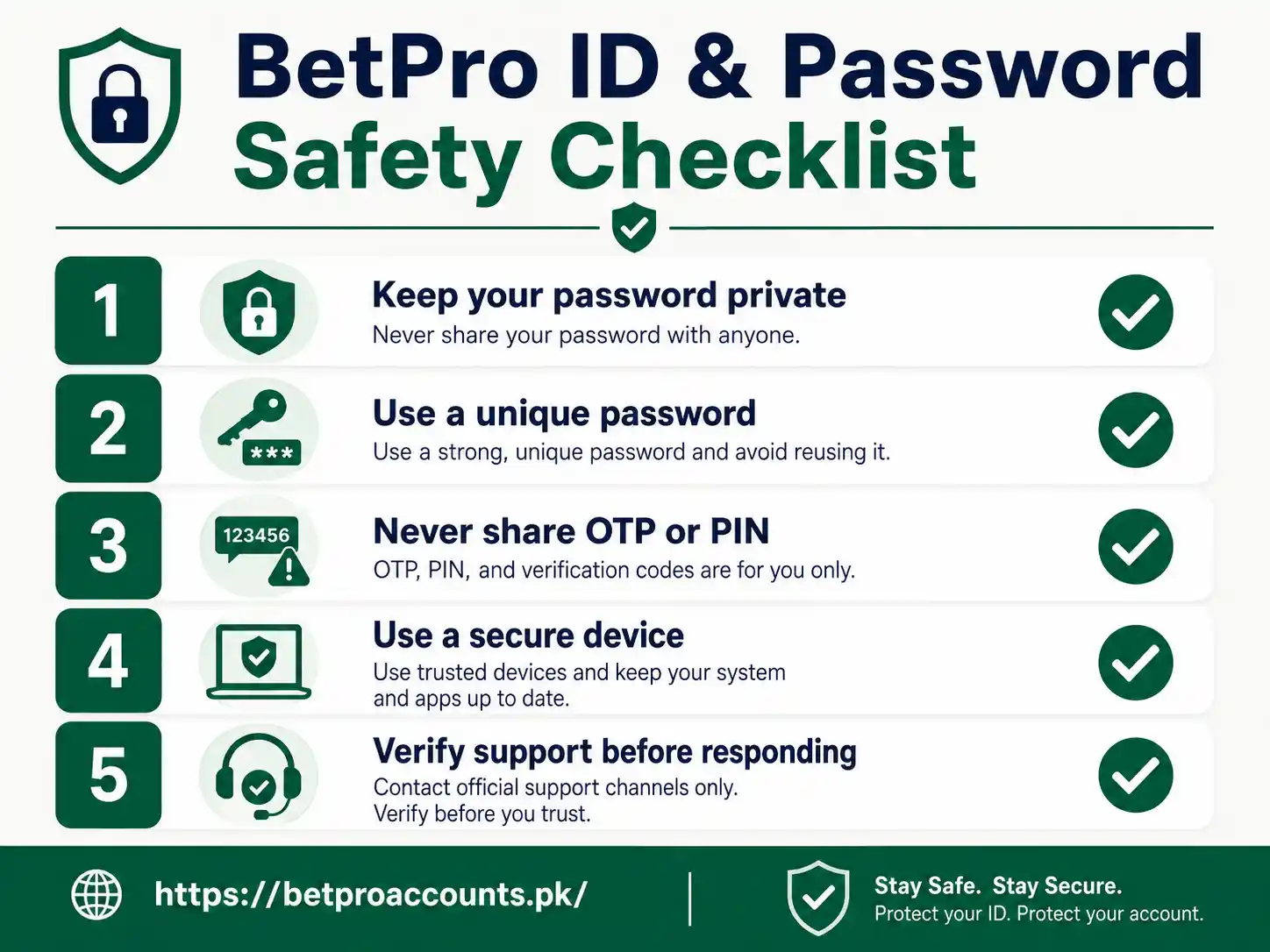
Keep your BetPro ID and password private, verify the support route, and follow a simple first-access checklist.
What Are BetPro Login Details?
BetPro login details usually mean the BetPro ID and password sent for platform access.
The BetPro ID acts as the login identity. The password is the private secret used with that ID.
They are part of your wider BetPro account setup.
A BetPro Account and a BetPro ID are related, but they are not the same thing. The account covers the full setup, account type, payments, status, and dealer support. The ID is the login identity inside that setup.
This difference matters when you need help.
1. Check Where the Login Details Came From
Start by checking the message that contains your credentials.
If you requested an account through BetProAccounts.pk, the login details should follow the dealer-assisted process connected with your request.
Do not trust a random message just because it uses the BetPro name.
Be careful if someone:
- contacts you from an unexpected number;
- asks for your password back;
- asks for an OTP or payment PIN;
- tells you to install remote-access software;
- pushes you to send money without confirming the receiver; or
- claims you must share banking secrets to activate the account.
If you are unsure, open the maintained route from the BetPro account support page instead of replying to an unknown contact.
2. Keep Your BetPro ID and Password Private
Your BetPro ID may identify the account, but the password must stay private.
Do not post your credentials in a Facebook group, WhatsApp group, comment section, or public forum.
Do not send your password to someone who says they need it to “check” the account.
BetProAccounts.pk does not need your password inside its account-request form.
General cybersecurity guidance also recommends using strong, unique passwords instead of reusing the same password across different services. CISA advises users to use long, random, unique passwords and a password manager where practical.[1]
Never share your password, OTP, payment PIN, banking password, or remote-access code.
3. Save the Login Details in a Safe Place
Do not depend on one WhatsApp message forever.
Phones get lost. Chats can be deleted. Screenshots can also end up in the wrong place.
Use a private way to store your BetPro ID.
If you store the password, use a secure password manager or another protected method that only you can access.
Avoid saving the password in:
- a public note;
- a shared family chat;
- an unprotected screenshot folder;
- a document shared with other people; or
- a browser or device you do not control.
The goal is simple: you should be able to find your details, but other people should not.
4. Use the Correct Login Route
BetProAccounts.pk is an account and dealer-support website. It does not host the BetPro platform login box.
Do not try to enter your BetPro ID and password into the BetProAccounts.pk account-request form.
For normal account access guidance, use the BetPro account login help page.
If your problem is specifically about the BetPro ID, password, app, or detailed platform access, use the dedicated BetPro ID support resource.
This separation protects the site from mixing different user tasks.
5. Review the Account Before You Use It
Once you can access the account, check the basic details.
Make sure the account you received matches the request you made.
For example, check:
- the account type;
- the BetPro ID;
- the account status;
- the registered support route; and
- any current payment instructions before sending money.
If you requested a Standard Account but something appears wrong, ask for a review before using the account.
Do not create another account just because you see a problem.
A duplicate request can make the issue harder to resolve.
If the account shows pending, inactive, or suspended, use the BetPro account status help guide.
6. Change a Known Password Only Through a Supported Option
If the platform provides a supported profile option to change a known password, you can use that option when needed.
Choose a password that you do not use on another website.
A strong password should be long and difficult to guess.
Do not use:
- your account name;
- your mobile number;
- your birth year;
- simple patterns such as 123456; or
- a password already used for email, banking, or social media.
If you have forgotten the password, do not guess repeatedly or send old passwords to support.
Detailed password-recovery guidance belongs to the BetPro ID support route.
7. Confirm Payment Details Before Your First Deposit
Receiving login details does not mean you should send money to any number that contacts you.
Confirm the current payment method and receiver details first.
Do not rely on an old screenshot, old chat, public comment, or forwarded payment number.
For a Standard Player Account, the current minimum qualifying first deposit is Rs. 500.
The current Standard Account first-deposit offer is 15% under the approved terms.
These commercial terms can change, so confirm the current details before sending funds.
For a complete explanation, read the BetPro payments and withdrawals guide.
What Should You Never Share After Receiving Login Details?
Some information should always stay private.
| Information | Should You Share It? |
|---|---|
| BetPro ID when needed to identify the account | Only when the verified support process requires it |
| BetPro password | No |
| OTP | No |
| Payment PIN | No |
| Email password | No |
| Banking password | No |
| Remote-access code | No |
If someone asks for one of these secrets, stop and verify the request.
How Can You Spot a Fake Support Message?
Fake support often tries to create urgency.
A message may say your account will close unless you act in the next few minutes.
It may also promise an unusual bonus or ask for private information.
Watch for these warning signs:
- unexpected contact;
- pressure to act fast;
- requests for passwords or OTPs;
- payment details copied from public groups;
- links that do not match the expected service;
- requests to install remote-control software; or
- claims that sound too good to be true.
If you are uncertain, go back to the site yourself and open the maintained support route.
Do not use the link inside a suspicious message.
For more checks, read the BetPro account security and WhatsApp safety guide.
What If Your New BetPro Login Details Do Not Work?
First, check that you entered the exact BetPro ID and password that were supplied.
Small typing mistakes can cause login problems.
Check uppercase and lowercase letters where relevant.
Do not use your contact name unless it is also the assigned BetPro ID.
Do not use BPExch Wallet credentials in place of the BetPro ID.
If the details still do not work, use the correct support route.
Our existing guide covers common BetPro account login problems and safe fixes.
Avoid making a new account as a shortcut.
Should You Share Your BetPro Login With a Friend?
No.
Your account credentials should stay under your control.
Sharing them increases the chance of unwanted access, account disputes, and lost control of the password.
If another person needs an account, they should use the normal account process rather than sharing yours.
You can review the BetPro account creation process for the correct setup route.
Do You Need to Change the Password Immediately?
You should protect the password from the moment you receive it.
If a supported password-change option is available and you choose to change a known password, use a strong and unique replacement.
Do not change settings through a link sent by an unknown person.
If you do not know the supported method, ask through the verified help route.
General cybersecurity advice strongly favors unique passwords because password reuse can expose several accounts if one password is compromised.[1]
BetPro Account or BetPro ID: Which Help Route Do You Need?
Use the task to choose the correct route.
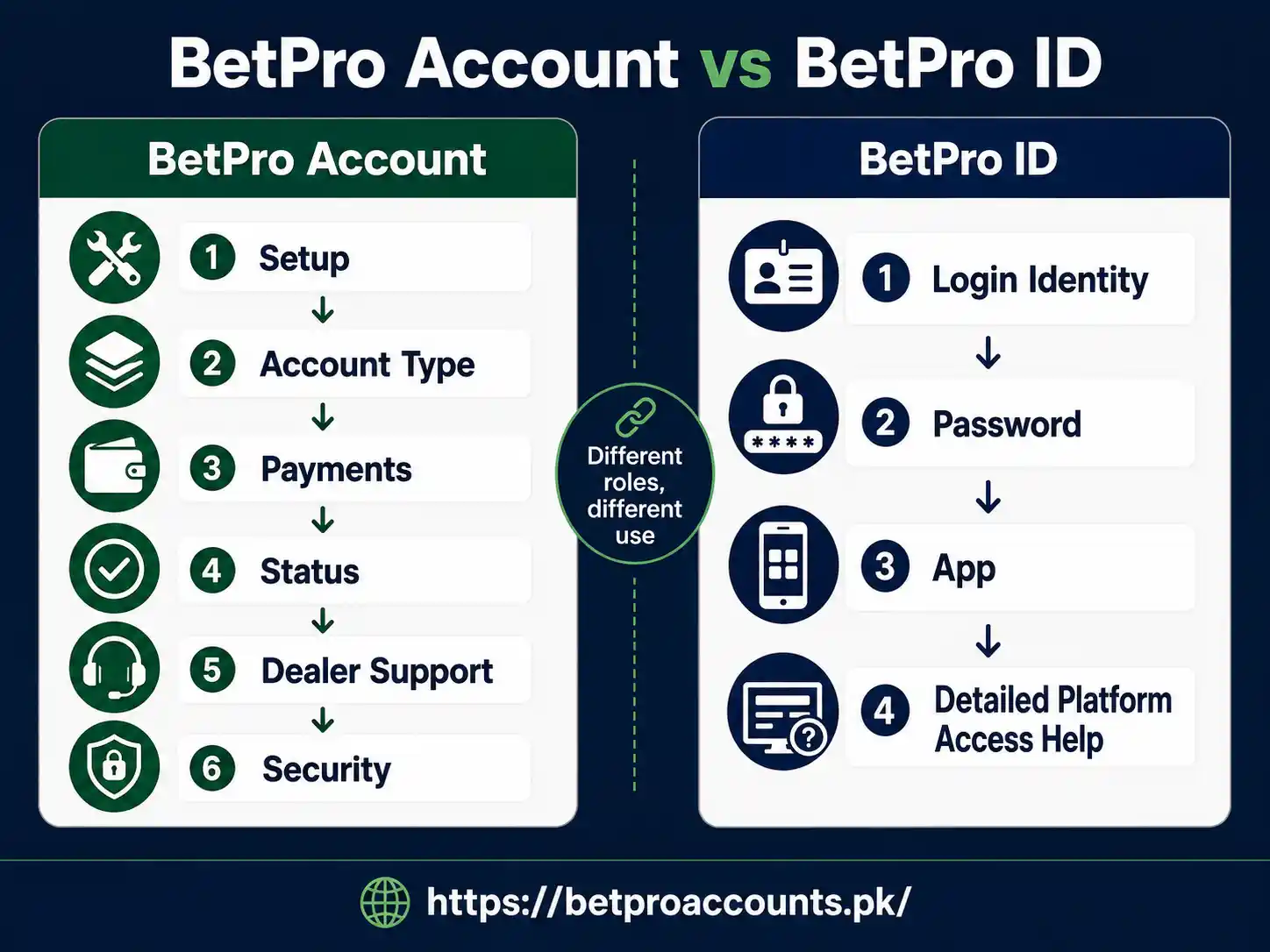
BetProAccounts.pk covers the wider account relationship. BetPro-ID.pk covers deeper ID, password, app, and access help.
| Your Task | Best Route |
|---|---|
| Request a new account | BetProAccounts.pk |
| Choose an account type | BetProAccounts.pk |
| Deposit or withdrawal help | BetProAccounts.pk |
| Pending, inactive, or suspended account | BetProAccounts.pk |
| Detailed BetPro ID or password help | BetPro-ID.pk |
| App or platform-access help | BetPro-ID.pk |
| BPExch Wallet login or dashboard | BPExchWallet.pk |
Frequently Asked Questions
What should I do first after receiving BetPro login details?
Check that the details came through the expected support route. Then keep the ID and password private, store them safely, and use the correct platform-access route.
What are BetPro login details?
They normally mean the BetPro ID and password used for platform access. The ID identifies the login account, while the password is the private secret used with it.
Should I send my BetPro password back to the dealer?
No. Do not send your password, OTP, payment PIN, banking password, or remote-access code. Use the verified support route if you need help.
Can I save my BetPro ID and password in WhatsApp?
You should use a private and secure storage method. Do not leave credentials in a place that other people can easily access. A secure password manager is safer than a public note or shared screenshot.
What if the BetPro ID and password do not work?
Check for typing mistakes and make sure you are using the assigned BetPro ID, not a contact name or Wallet credential. If the details still fail, use the correct login-support route instead of creating another account.
Can I change my BetPro password?
If a supported profile option is available, a known password can be changed when needed. Use a strong, unique password. For detailed recovery or password help, use the BetPro ID support resource.
Should I create a second account if the first login does not work?
No. Ask for support on the existing account first. A second request can create a duplicate-account problem.
Do I need to make a deposit as soon as I receive the login details?
A Standard Player Account currently uses a minimum qualifying first deposit of Rs. 500. Confirm the current payment details and terms before sending money. Do not pay an unverified receiver.
Where should I go for BetPro account security help?
Use the BetProAccounts.pk security guide for credential safety, fake-support warnings, payment checks, and the verified support route.
Final Safety Checklist
- Confirm where the login details came from.
- Keep your BetPro ID and password private.
- Store credentials in a secure place.
- Use the correct login route.
- Check the account type and status.
- Use a strong, unique password when a supported change is needed.
- Confirm payment details before depositing.
- Never send an OTP, payment PIN, banking password, or remote-access code.
- Do not create a duplicate account to fix a login problem.
Conclusion
Receiving your BetPro login details is not the end of the setup process.
It is the point where account security becomes very important.
Keep the BetPro ID and password private. Check the support route. Store the details safely. Use the right platform-access path. Confirm payment details before sending funds.
If the problem is about account setup, payments, status, or dealer support, use BetProAccounts.pk.
If the problem is specifically about the BetPro ID, password, app, or detailed login access, use the dedicated BetPro ID resource.
For the full safety checklist, continue to the BetPro account security guide.
18+ only. Betting involves financial risk. Use only money you can afford to lose.
Source
[1] Cybersecurity and Infrastructure Security Agency (CISA), “Use Strong Passwords.” Used for general password-security guidance.